Don't upgrade the live store yet. Upgrade a staging copy now, and let what breaks there set the date. Move the live store to 9 once every module the store depends on has a release that supports 9 and the staging copy takes test orders cleanly from cart to invoice. Move sooner if PrestaShop 8 stops receiving fixes or the client's host drops the PHP version the store runs on.
The two facts to check before you decide
The timing depends on two things outside the store, and both are on PrestaShop's own pages. Look them up when you make the decision, because they change over time and I'd rather you read the current answer than take one from a blog post.
Want the staging run done for you? I upgrade a copy of the client's store to 9, work through every module it depends on and give you the list of what breaks before you set a date. Send me the module list and I'll scope it.
The first is whether PrestaShop 8 still receives maintenance and security releases. If it does, a working store on 8 can stay there while you test. If it doesn't, the store is running on software that won't be fixed when the next vulnerability turns up, and the upgrade moves from "planned" to "this quarter".
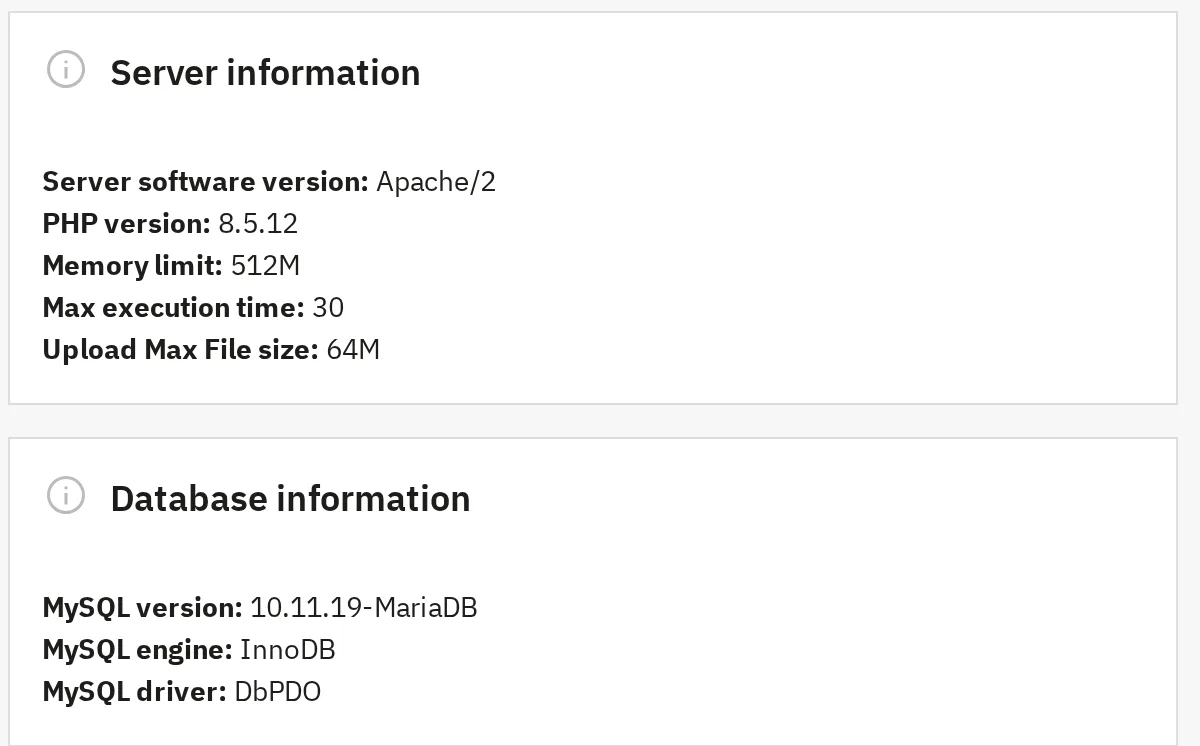
The second is the system requirements for each version, mainly PHP. PrestaShop's developer documentation is organised by major version, and that's where you'll find the requirements for 8 and for 9. Compare them with what the client's host actually runs and what it plans to retire. If the host will soon only offer PHP versions that 8 doesn't support, the date has effectively been chosen by the host.
Reasons to move sooner
Apart from those two facts, the strongest reason to move early is a module. If the payment module or the ERP connector the store relies on announces that future releases will target 9 only, the store can run on the last compatible version for a while. I wouldn't let it do that for long with a payment module, because payment providers change their APIs and their requirements on their own schedule.
New work is the other reason. If the client is about to commission a redesign or a new integration, I'd upgrade first and build on 9. Building on 8 and porting the work later risks paying for part of it twice, and I'd rather not be the one explaining that to a client. A brand-new store should start on 9.
Reasons to hold, and what to do while you hold
I'd hold while any module the store can't trade without has no release for 9. The run-up to the client's busiest selling weeks is also a poor time to start, whenever those weeks fall for that business. And if the store has overrides or custom modules that nobody has read yet, there's no honest estimate to be had, so reading them comes before choosing a date.
Holding still needs work. Keep the core on the latest 8 release and the modules current within the 8 line, so the eventual jump is as short as possible. Write down each blocker and who it's waiting on, whether that's a vendor or whoever maintains the custom code, and check the list again whenever one of those vendors ships an update. When the list is empty, book the date.
PrestaShop 9 module compatibility
Modules are the part of the store you control least, so they're where I'd spend most of the checking time. Make an inventory of every installed module, enabled or disabled, with its version and its source: the Addons marketplace, a vendor's own site, or code written for this one client.
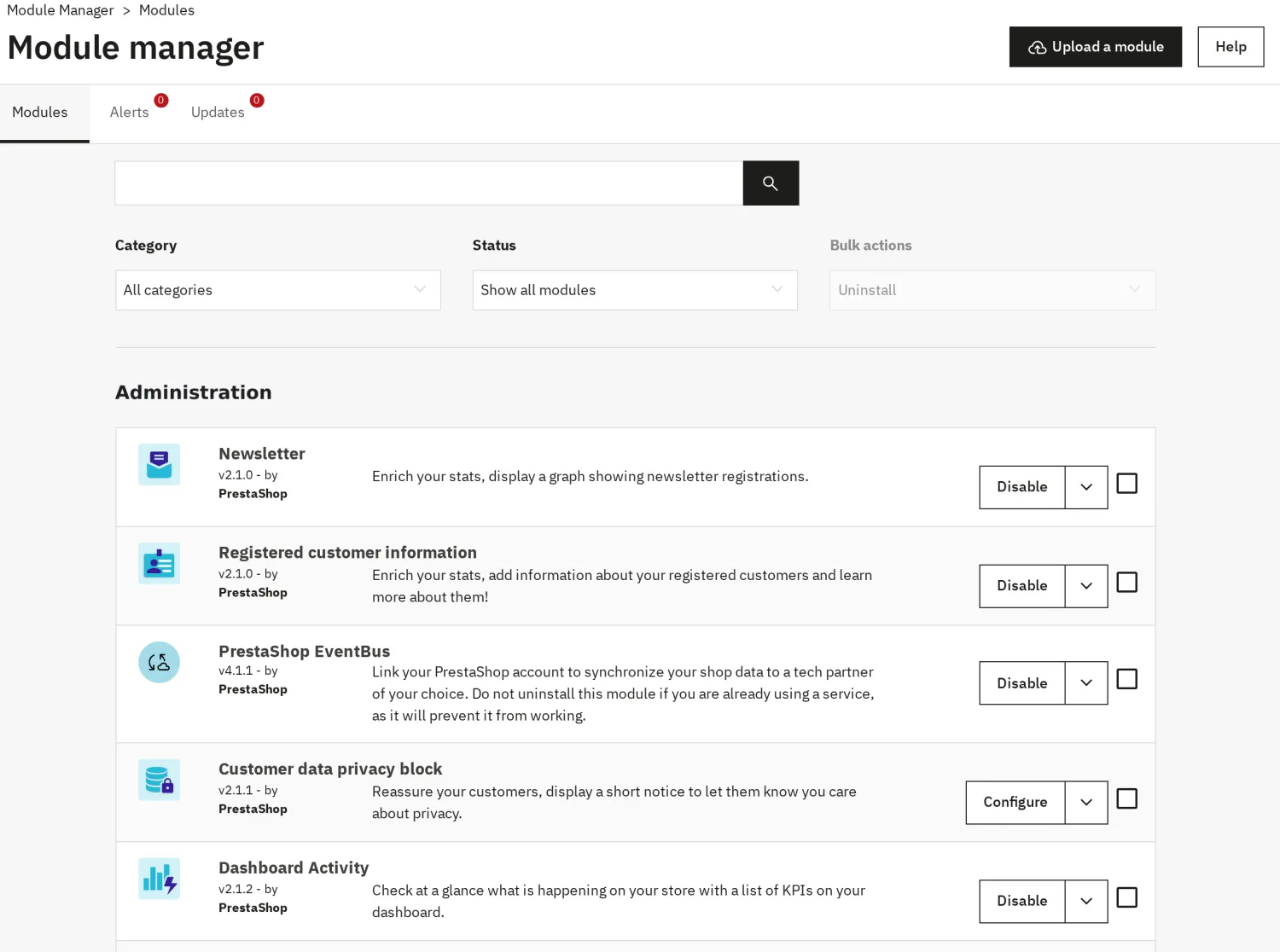
For bought modules, look for a release whose notes say it supports 9, and then test it on staging anyway, with this store's own settings and products, because release notes can't tell you how a module behaves with those. For custom modules, nobody will release an update for you. Someone has to read the code, find what it calls in the core, and fix whatever 9 no longer accepts. Modules from vendors that have disappeared fall into the same group. For each of those, the client has to decide whether to replace it or have it rewritten, and sometimes whether the feature is worth keeping at all. Have that conversation before the upgrade, while it's still a scoping question.
If you plan to remove old modules along the way, try the removal on staging first. Uninstalling a module can delete the data it stored, such as loyalty points or the module's saved settings, and you only find out what went with it afterwards.
Theme and overrides
For the PrestaShop 8 to 9 theme work, start by finding out what the store actually runs. A theme bought from a vendor needs a release from that vendor for 9. Assume someone has edited its files locally until you've checked, because a vendor update will overwrite those edits; keep a note of each change before you update so it can be put back afterwards. A custom theme has to be tested page by page on staging, with product, cart, checkout, customer account and the order confirmation email at the top of the list.
If the client also wants a new theme, keep it out of the upgrade. Upgrade, confirm the store works, then change the theme as a second project. Otherwise, when something breaks, you have two changes to suspect and a client asking which one it was.
Overrides are files that replace parts of PrestaShop's core classes with modified copies. They keep working only as long as the class they copied stays the same, and a major version is where that's most likely to change. A broken override can show a blank page, or it can leave the store looking fine while a cart total or tax calculation is quietly wrong, which is the worse outcome. List the overrides, work out what each one does, and remove the ones a module or the core now handles. If you've inherited the store and nobody can explain them, this is where I'd start with an inherited PrestaShop client.
A sequence that keeps the live store out of it
Whoever does the work, this is the order I'd expect, with nothing touching the live store until the last two steps.
- Take a full backup of the live store, files and database, and restore it somewhere to confirm it actually works.
- Build the staging copy on a server that meets PrestaShop 9's requirements. Block it from search engines and make sure it can't email real customers or call real payment and ERP endpoints.
- Bring the copy up to the latest 8 release and update the modules within the 8 line. Test. Anything that fails after this point is down to 9.
- Upgrade the copy to 9 and record every error.
- Fix or replace modules, theme and overrides, then test as a customer would: orders through every payment and shipping method, status changes, invoices, emails, discounts and any ERP or CRM sync.
- Agree with the client that nobody edits products or settings on the live store between the final test and the switch.
- Upgrade the live store at the quietest hour available, with a fresh backup taken just before. Decide in advance what happens to orders placed after that backup if you have to roll back.
Handing the upgrade to a white-label developer
Get the NDA in place before the brief goes out. Once the developer has the brief, ask them to walk you through how they'd sequence the work for this particular store. If they skip staging, or can't say what they'd do with orders placed during a rollback, keep looking. These are the other questions I'd ask before the first brief.
For my part, I work on staging rather than a client's live site unless there's no other option, and I hand over the code with a short written summary of what changed. The rest of how I work with agencies is here.
What to tell the client
Tell them the store is fine on 8 while 8 is maintained, that the move to 9 is a project with a testing phase, and that the date depends on a named list of blockers. Show them that list, with each module or piece of custom code, who it's waiting on, and what the options are if the vendor never ships. I think a client who has seen the list is more likely to approve the staging work, and you'll have something concrete to point to when they ask why it isn't done yet.
If they ask why you can't just press update on the live store, explain the rollback. A backup restored after an upgrade goes wrong brings back the database as it was when the backup was taken, so any orders and customer accounts created since then are missing and have to be recovered by hand.
Got a brief like this? Tell me the URL, the platform and what's stuck, and I'll come back with scope and a price, NDA first if you want one. Send me a brief.